Client back office: the two menu fixes are on Live
Open Sesame checked the Live back office on 27 November 2026 between about 3:20 and 3:27 AM UTC (7:20 to 7:27 PM Pacific on 26 November), signed in as Russell's Test Company, at computer and phone size.
All 16 sales pages passed at both sizes, every one of the 16 films has a spoken voice-over, and each service moved to Your services after its Add to my plan press.
Nothing was really bought: the test browser answered each Add with a stand-in. The prices and set-up steps in the pictures belong to the test company, not to a real client.
Fix 1: the AI Voice Receptionist item now sells it too
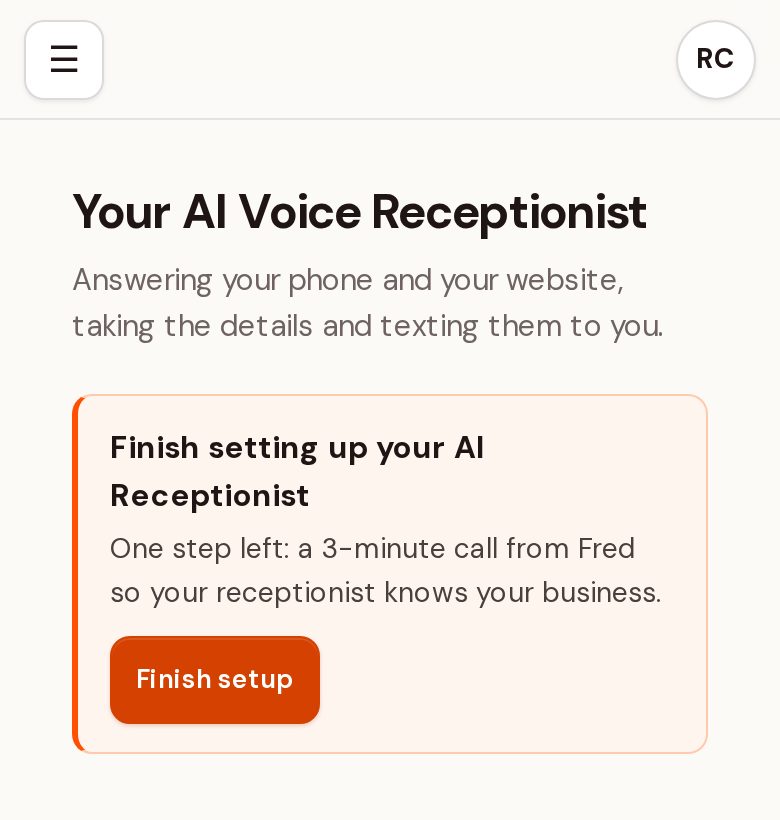
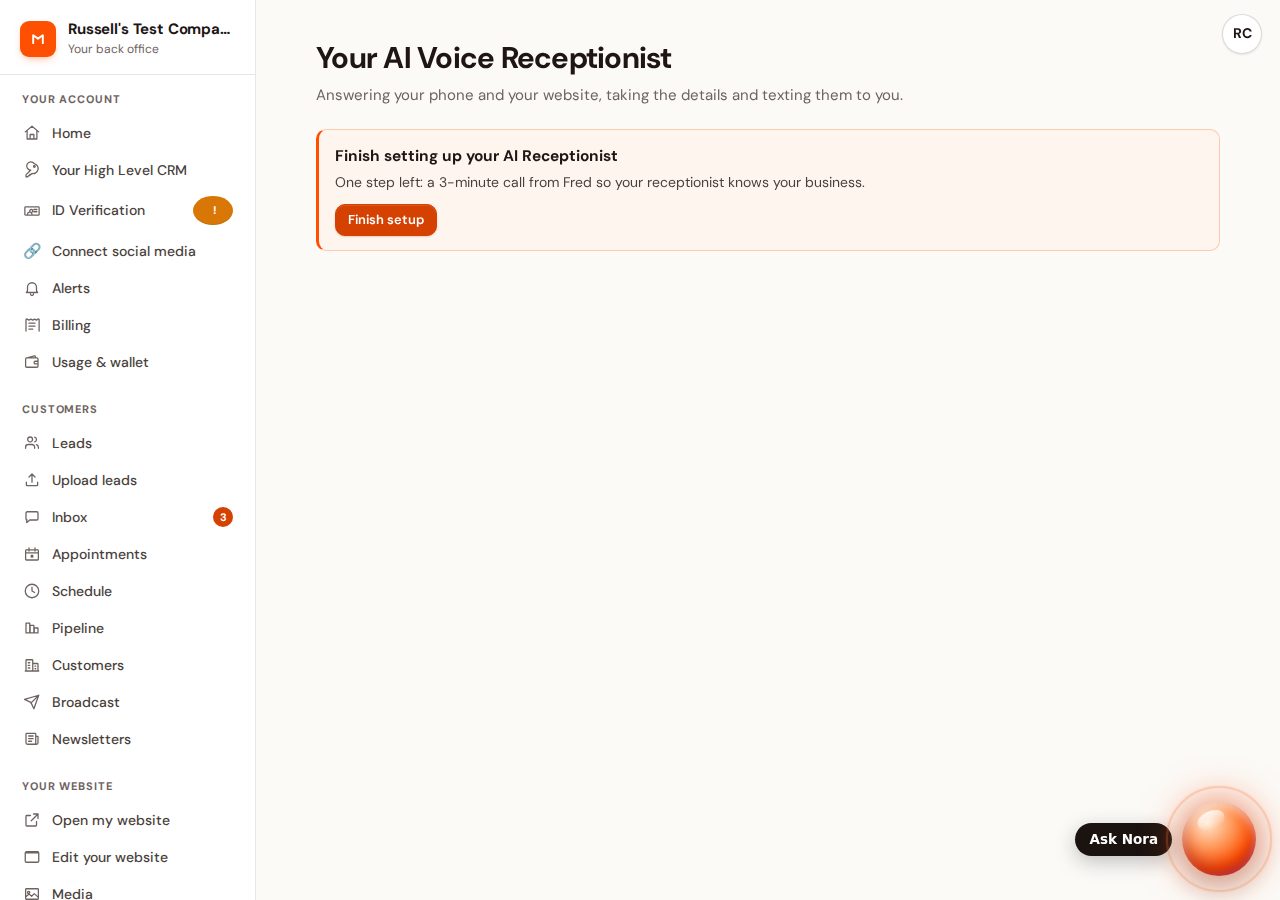
A client without the AI Voice Receptionist keeps it in the menu under Services you can add, and it opens its sales page. Right after they sign up on that page, the item opens this screen with the Finish setup button, never an empty box.
Fix 2: an added service moves to Your services and stays there
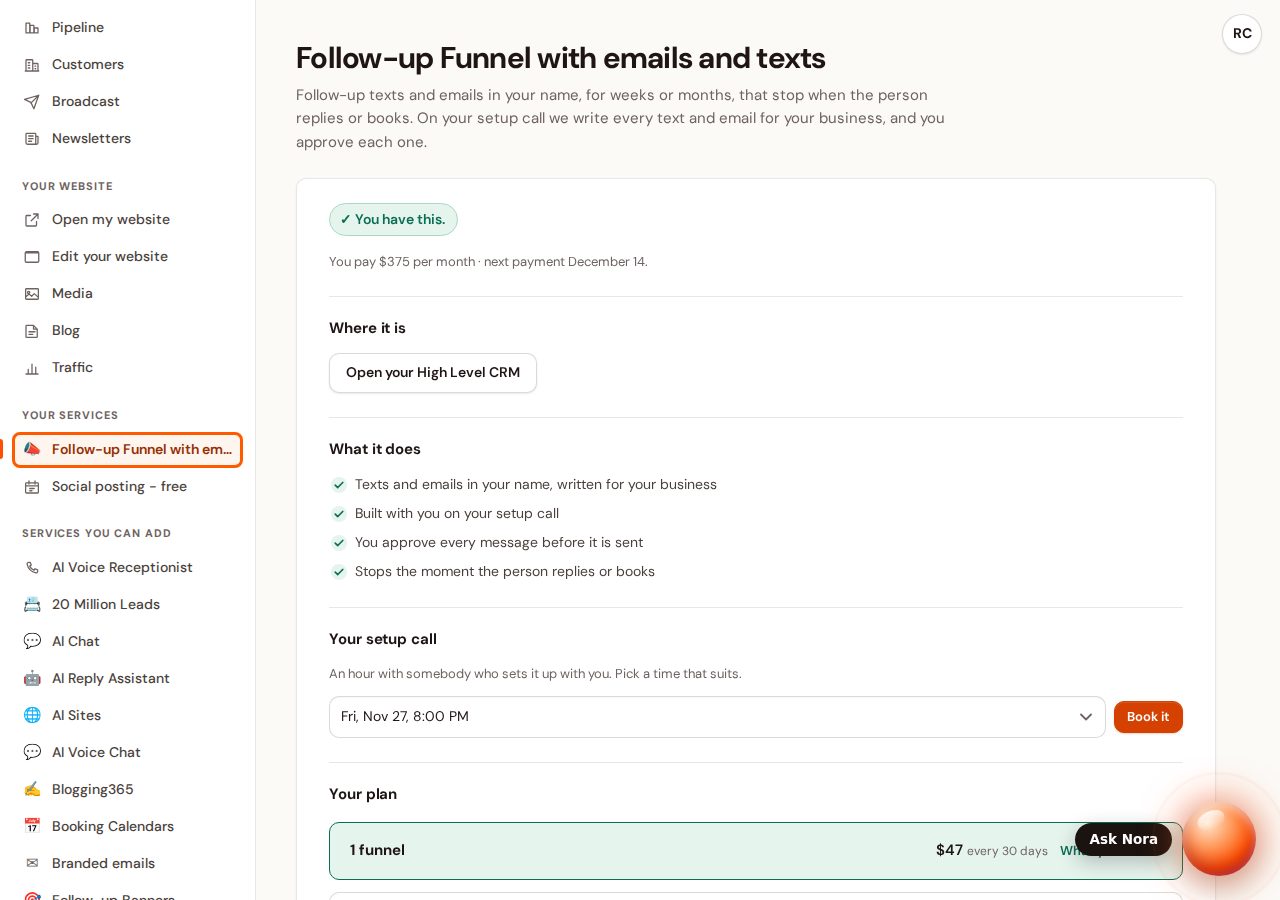
After the test client added the Follow-up Funnel on its sales page, its menu item moved up to Your services (Open Sesame drew the orange outline to point it out) and the page turned into the full manage page that starts "You have this". Before the fix, the item dropped out of the menu until the page was reloaded.
The same move for Booking Calendars
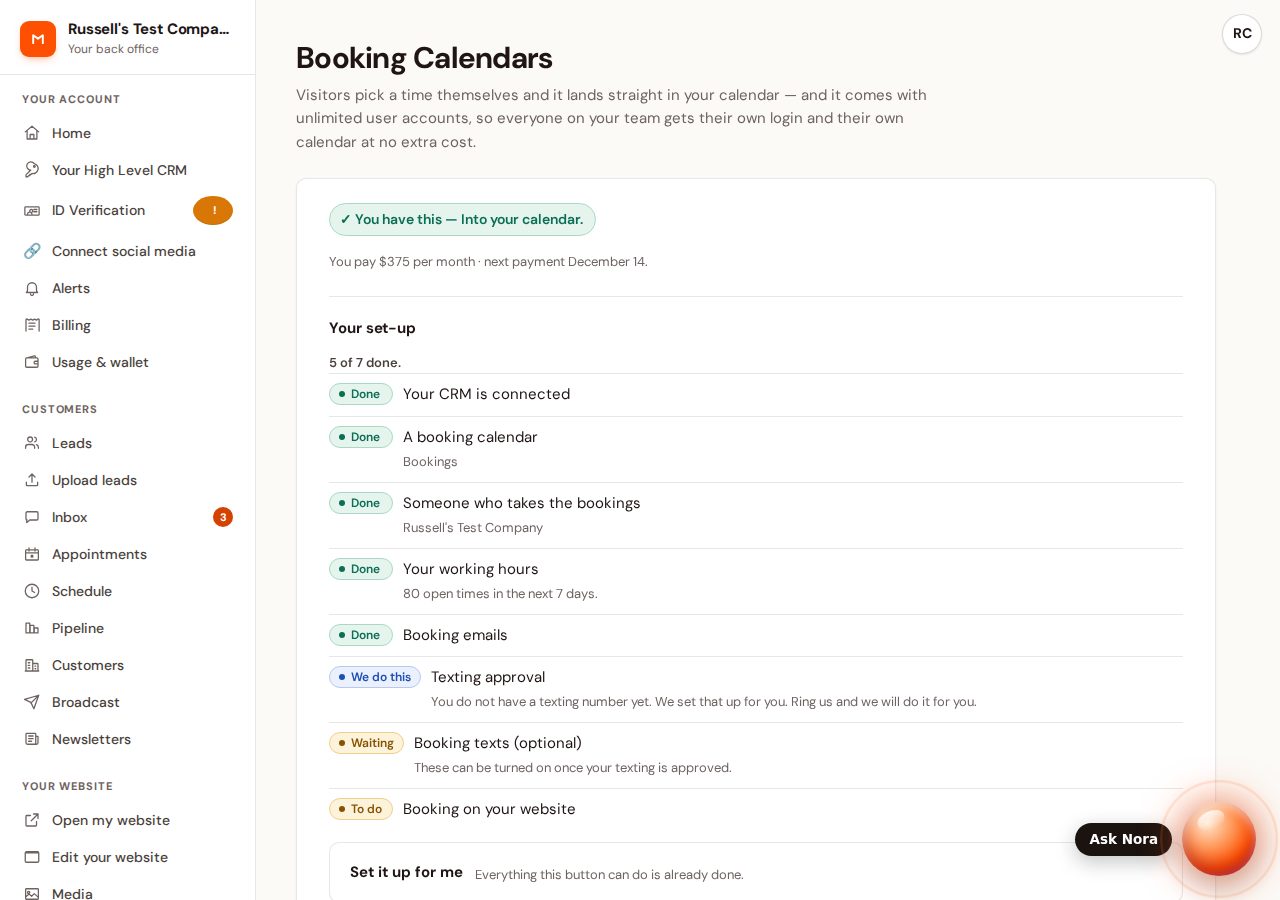
After the add, the Booking Calendars page shows "You have this" and its set-up list, 5 of 7 steps done.